Jupyter Docker#
Free software, open standards, and web services for interactive computing across all programming languages
Demo#
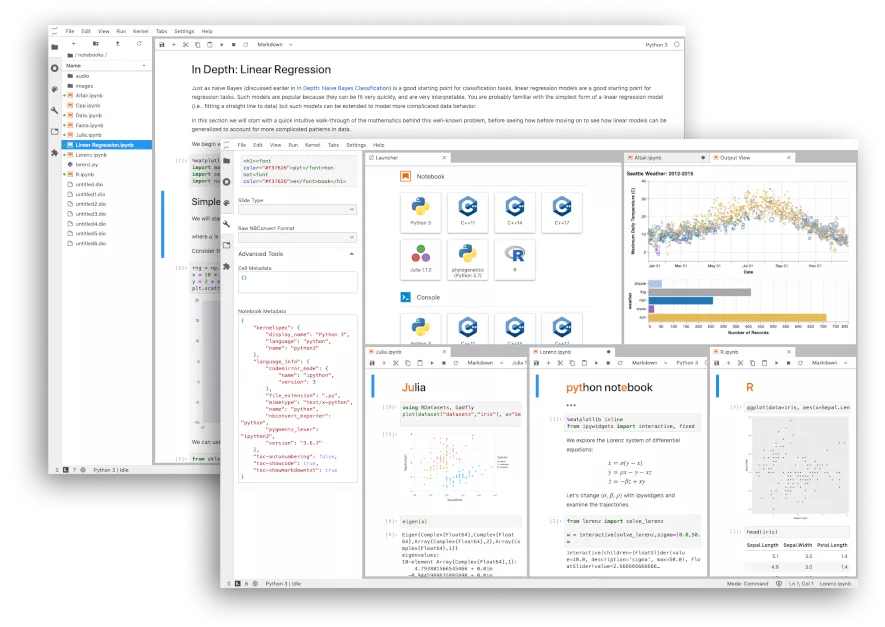
JupyterLab#
A Next-Generation Notebook Interface
pip install jupyterlab
jupyter-lab
# 启动服务器而不打开 Web 浏览器
jupyter-lab --no-browser &
Upgrade#
pip install --upgrade jupyterlab
Screenshots#
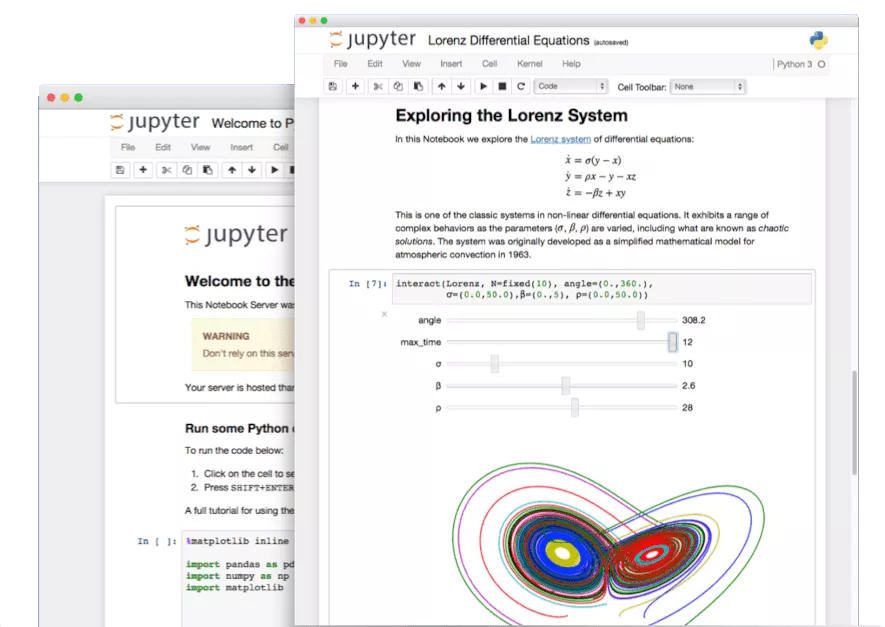
Jupyter Notebook#
The Classic Notebook Interface
pip install notebook
jupyter notebook
Docker#
docker run -d --name jupyter -p 8888:8888 jupyter/base-notebook
docker run -d --name jupyter -p 8888:8888 -e DOCKER_STACKS_JUPYTER_CMD=notebook jupyter/base-notebook
docker exec -it jupyter jupyter notebook password
docker restart jupyter
Alternative Commands#
# Run Jupyter Notebook on Jupyter Server
docker run -it --rm \
    -p 8888:8888 \
    -e DOCKER_STACKS_JUPYTER_CMD=notebook \
    jupyter/base-notebook
# Executing the command: jupyter notebook ...

# Run Jupyter Notebook classic
docker run -it --rm \
    -p 8888:8888 \
    -e DOCKER_STACKS_JUPYTER_CMD=nbclassic \
    jupyter/base-notebook
# Executing the command: jupyter nbclassic ...
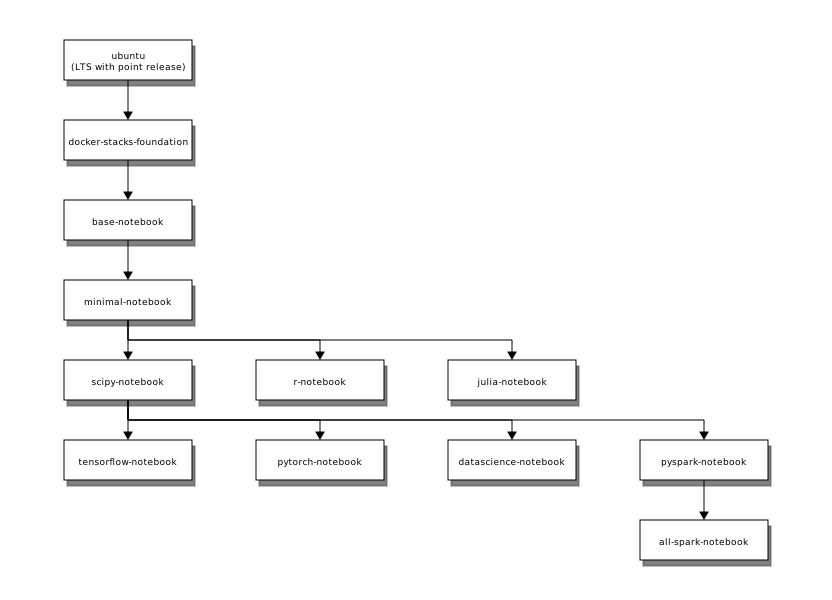
Image Relationships#
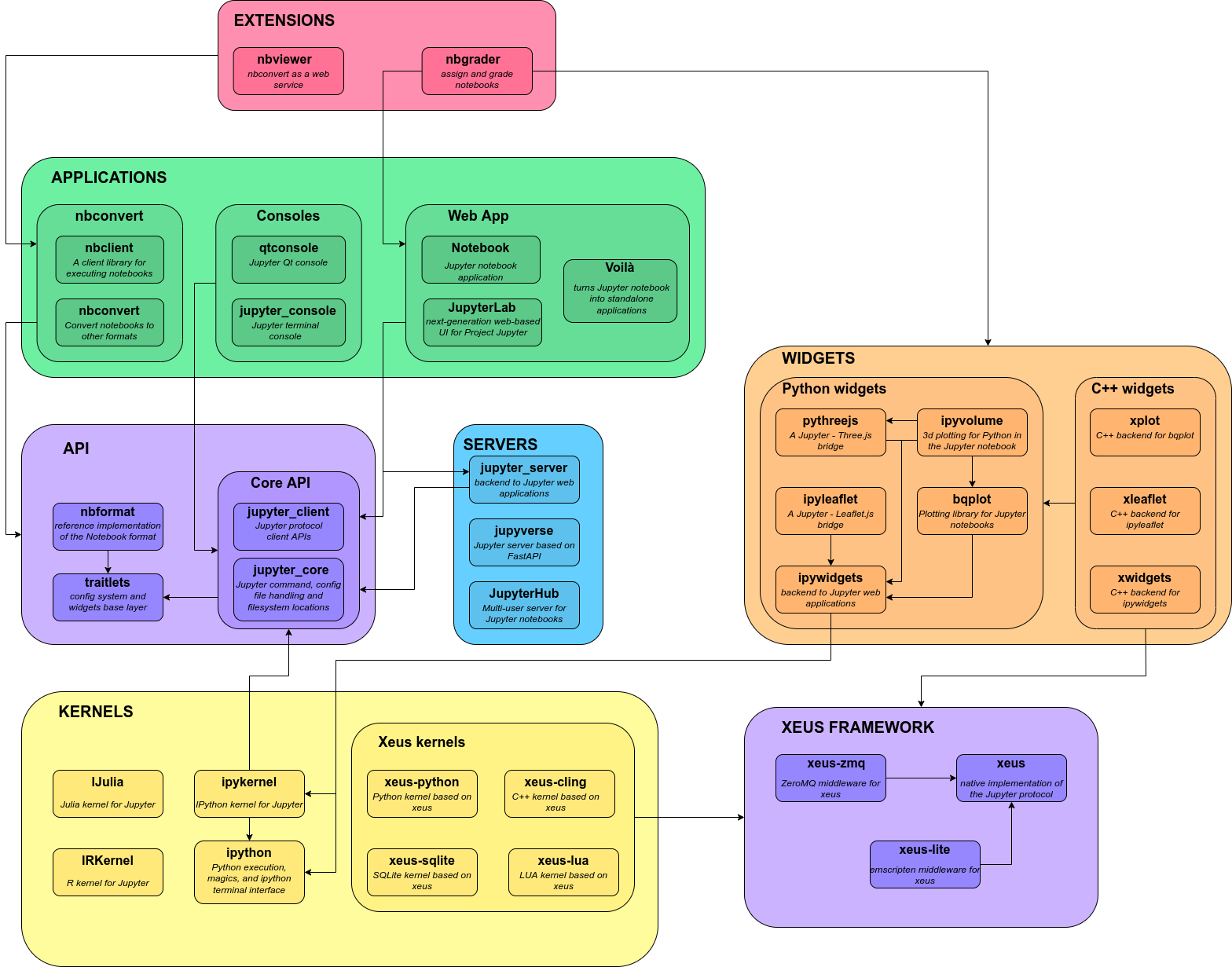
Architecture#
Screenshots#
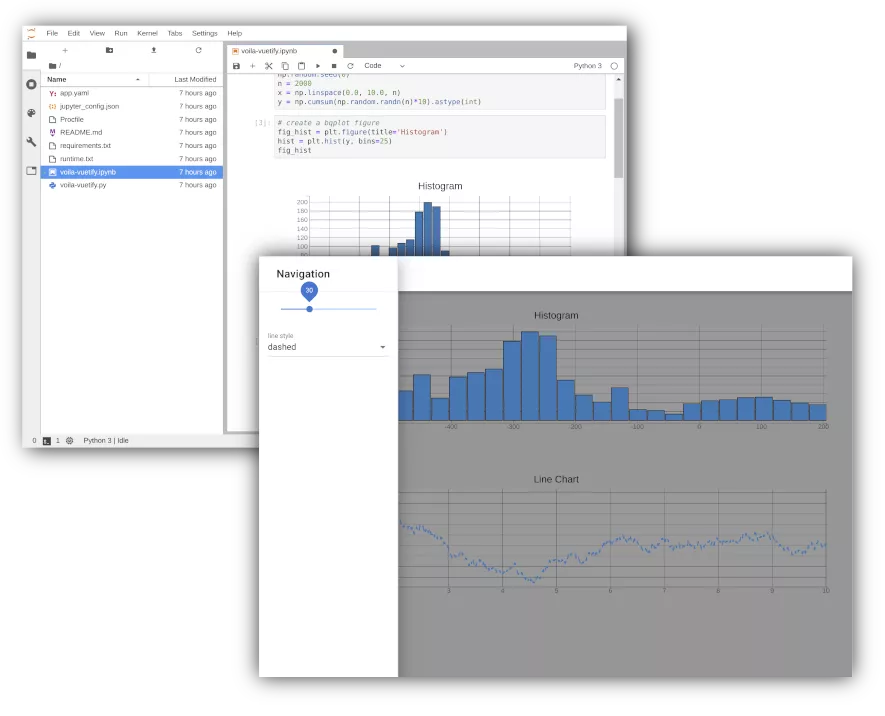
Voilà#
Share your results
pip install voila
voila
Screenshots#
Jupyter Docker Stacks#
docker run -p 10000:8888 jupyter/scipy-notebook
docker run -it --rm -p 10000:8888 -v "${PWD}":/home/jovyan/work jupyter/datascience-notebook
Visiting http://<hostname>:10000/?token=<token> in a browser loads JupyterLab.
nbdime#
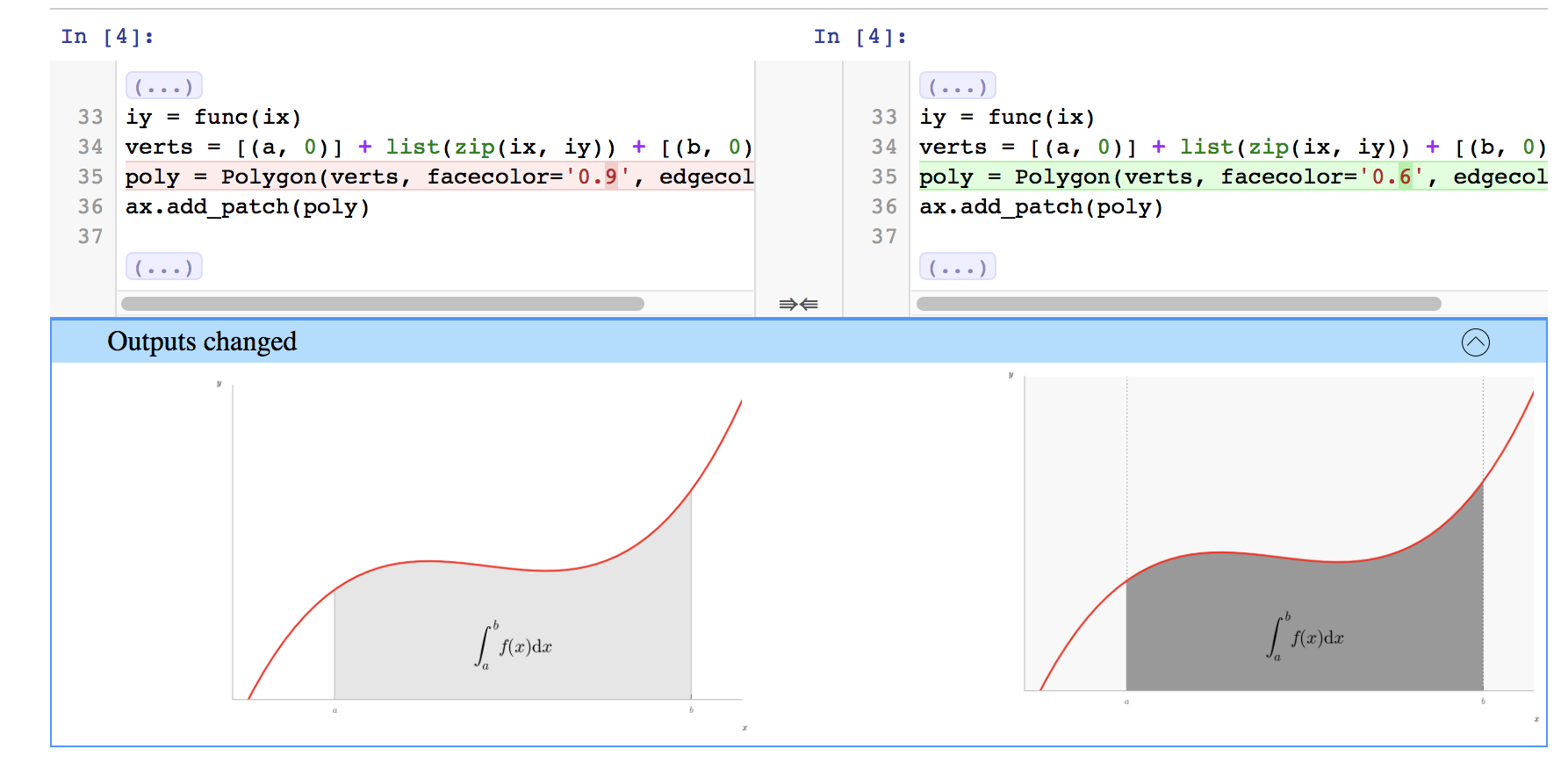
Jupyter Notebook Diff and Merge tools
nbdiffcompare notebooks in a terminal-friendly waynbmergethree-way merge of notebooks with automatic conflict resolutionnbdiff-webshows you a rich rendered diff of notebooksnbmerge-webgives you a web-based three-way merge tool for notebooksnbshowpresent a single notebook in a terminal-friendly way
Installation#
pip install nbdime
nbdiff notebook_1.ipynb notebook_2.ipynb
nbdiff-web notebook_1.ipynb notebook_2.ipynb
nbdime mergetool
Screenshots#
nbconvert#
Convert Notebooks to other formats
Installation#
pip install nbconvert
Usage#
jupyter nbconvert --to FORMAT notebook.ipynb
# Convert a notebook to HTML
jupyter nbconvert --to html notebook.ipynb
# .ipynb 转换为 .py
jupyter nbconvert --to script --no-prompt notebook.ipynb