IOPaint Docker#
IOPaint is a free, open-source and fully self-hostable inpainting/outpainting tool powered by state-of-the-art AI models.
Erase: Remove any unwanted object, defect, watermarks, people.
Inpainting: Make modifications to specific parts of the image, add new objects, or replace anything on your pictures.
Outpainting: Generate new pixels around your images to make it larger.
Start webui#
# In order to use GPU, install cuda version of pytorch first.
# pip3 install torch==2.1.2 torchvision==0.16.2 --index-url https://download.pytorch.org/whl/cu118
# AMD GPU users, please utilize the following command, only works on linux, as pytorch is not yet supported on Windows with ROCm.
# pip3 install torch==2.1.2 torchvision==0.16.2 --index-url https://download.pytorch.org/whl/rocm5.6
pip3 install iopaint
iopaint start --model=lama --device=cpu --port=8080
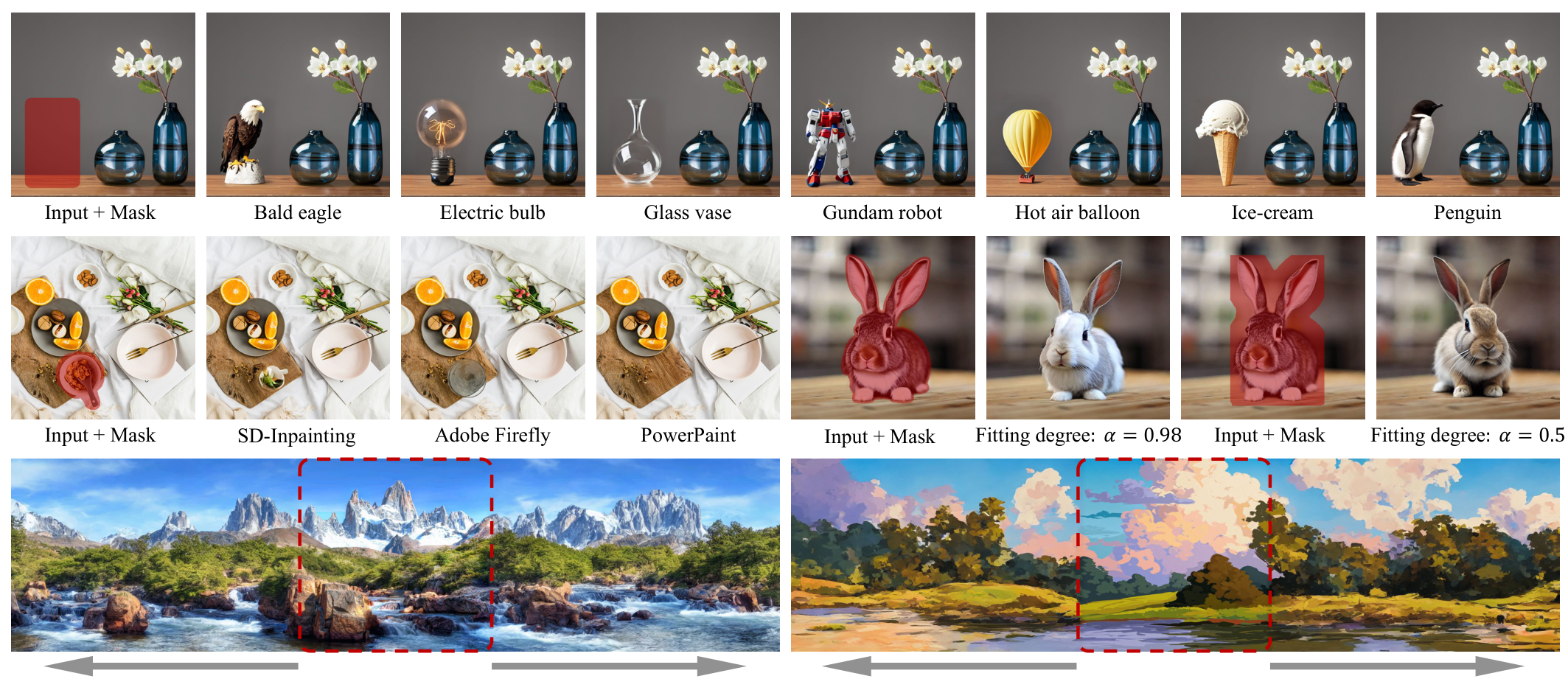
PowerPaint#
A Task is Worth One Word: Learning with Task Prompts for High-Quality Versatile Image Inpainting
# HF_ENDPOINT=https://hf-mirror.com iopaint start
# Windows user
set HF_ENDPOINT=https://hf-mirror.com
iopaint start --model runwayml/stable-diffusion-inpainting --device=cpu --port=8080
Docker#
https://github.com/Sanster/IOPaint/blob/main/build_docker.sh
Tips#
Delete downloaded models:#
By default IOPaint download model to ~/.cache/torch/hub/checkpoints/ / ~/.cache/huggingface/hub For Windows users, it’s C:\Users\your_name\.cache\torch\hub\checkpoints\ or C:\Users\your_name\.cache\huggingface\hub.
⚠The default model cache directory may contain other models, so you should only delete the IOPaint related models.
Runtime Environment#
Screenshots#