GPT-Load Docker#
高性能 AI 接口透明代理
Docker#
docker run -d --name gpt-load \
    -p 3001:3001 \
    -e AUTH_KEY=your-secure-key-here \
    -v "$(pwd)/data":/app/data \
    ghcr.io/tbphp/gpt-load:latest
docker run -d --name gpt-load -p 3001:3001 -e AUTH_KEY=your-secure-key-here ghcr.io/tbphp/gpt-load
Docker Compose#
克隆项目
git clone https://github.com/tbphp/gpt-load.git
cd gpt-load
配置环境
# 复制环境配置文件
cp .env.example .env

# 编辑配置(可选)
# vim .env

# 主要配置项:
# APP_PORT=3001
# APP_SECRET=your-secret-key
启动服务
docker compose up -d
Runtime Environment#
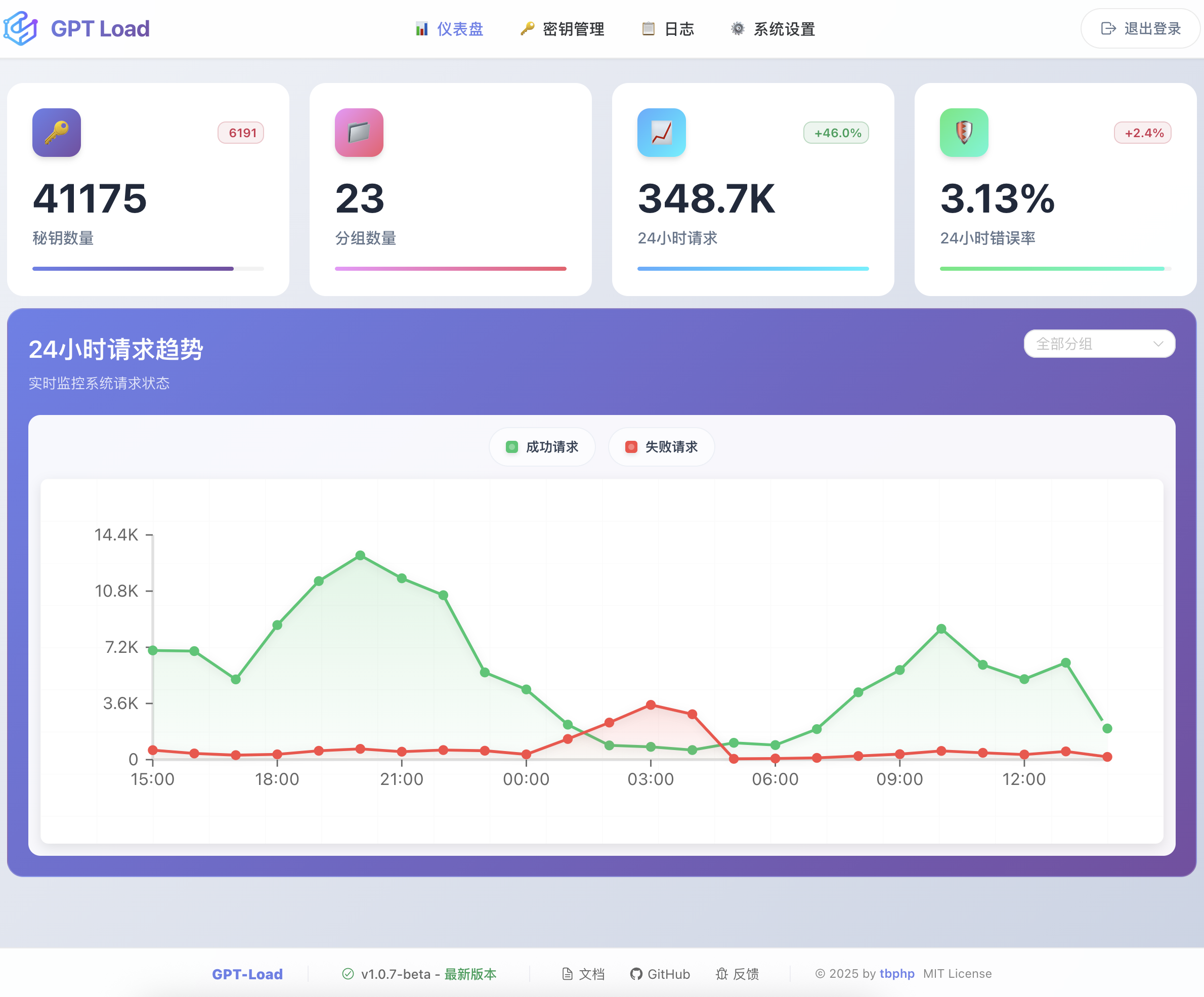
Screenshots#